 Free
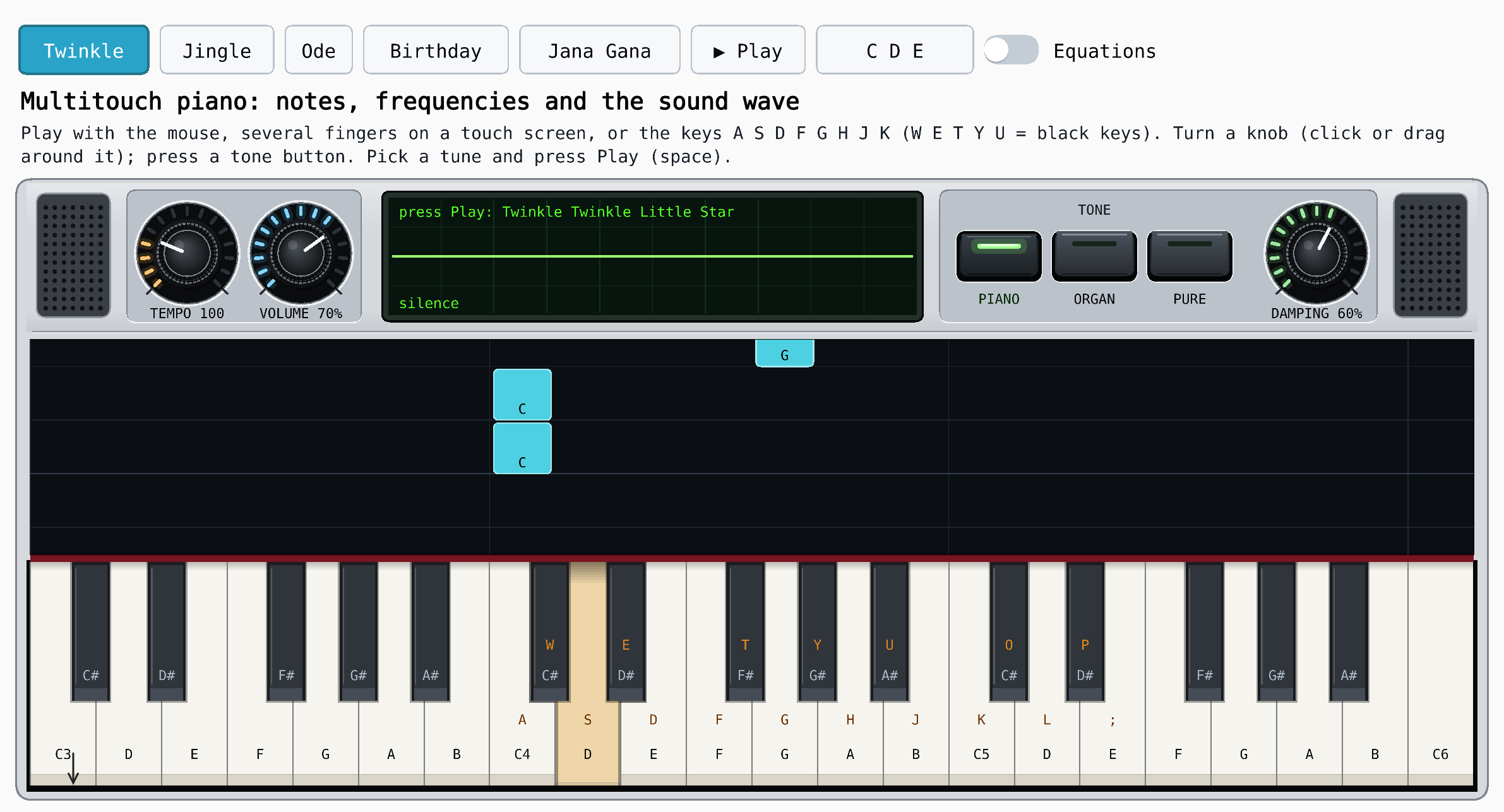
Piano Sound Wave Simulator
Sound WavesPlay a virtual piano, view the sound wave on an oscilloscope, and see...
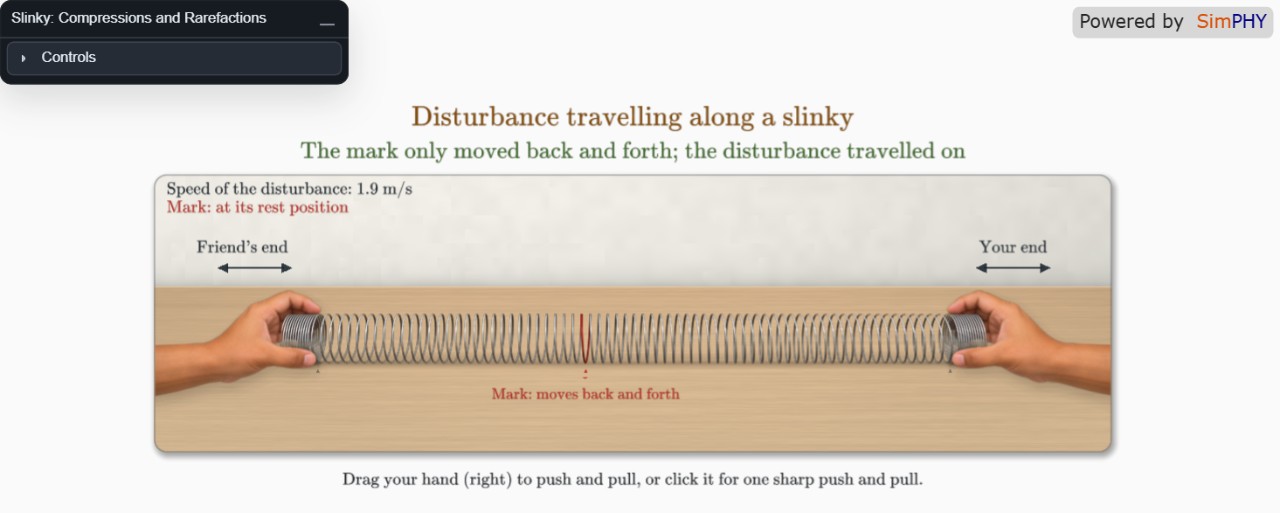
Push and pull a slinky to see longitudinal compressions and rarefactions travel, reflect, and interact.
A slinky stretched on a table models a longitudinal sound wave. When you push the right hand toward the left, the coils ahead are squeezed together forming a compression; pulling back creates a rarefaction. These disturbances travel along the slinky, reflect from the fixed hand, and return, gradually weakening due to friction with the table. The marked coil only oscillates about its original position, showing that the wave moves while the material points vibrate.
Drag the hand on the right to generate a push‑pull motion, or click it for a single sharp disturbance. A dialog lets you set how often you push (frequency) and how far each push travels (amplitude). If both ends are activated, the opposing waves pass through each other, demonstrating superposition. You can watch the speed of the disturbance, the effect of repeated pushes, and the attenuation of the wave.
Students observe the relationship v = L√(k/M) that gives the wave speed, see how a rigid boundary reflects a compression as a compression, and explore how wave frequency and amplitude affect the audible “jingle” produced by the sliding coils. The activity links the mechanical wave in the slinky to real sound waves, reinforcing concepts of wave speed, reflection, superposition, and attenuation.
Free
Play a virtual piano, view the sound wave on an oscilloscope, and see...
 Free
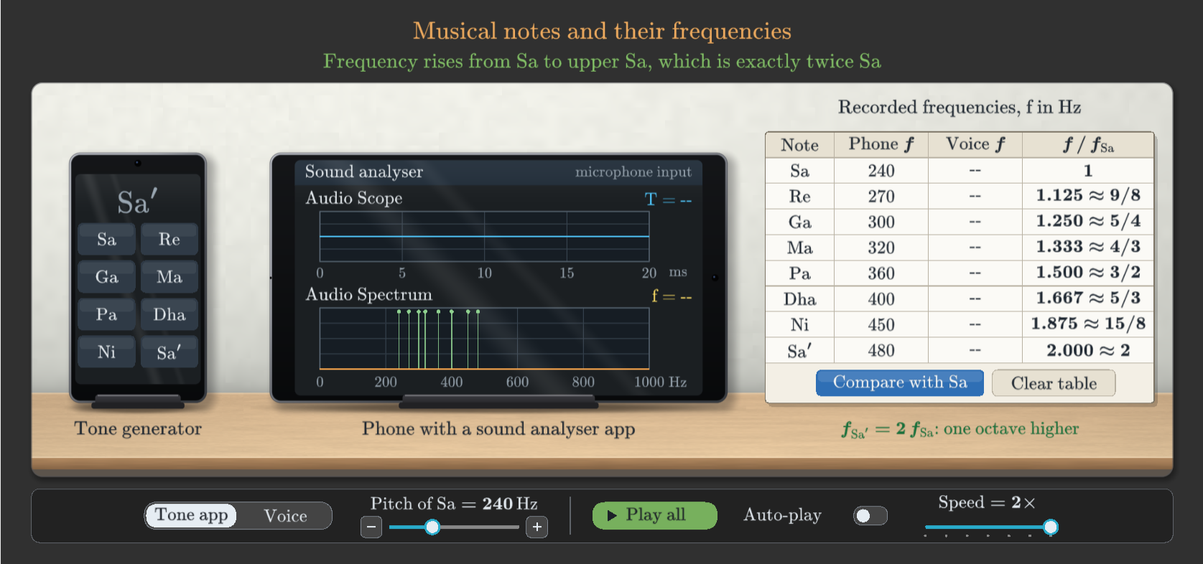
Play sargam notes, view their waveforms and spectra, and explore the f...
 Free
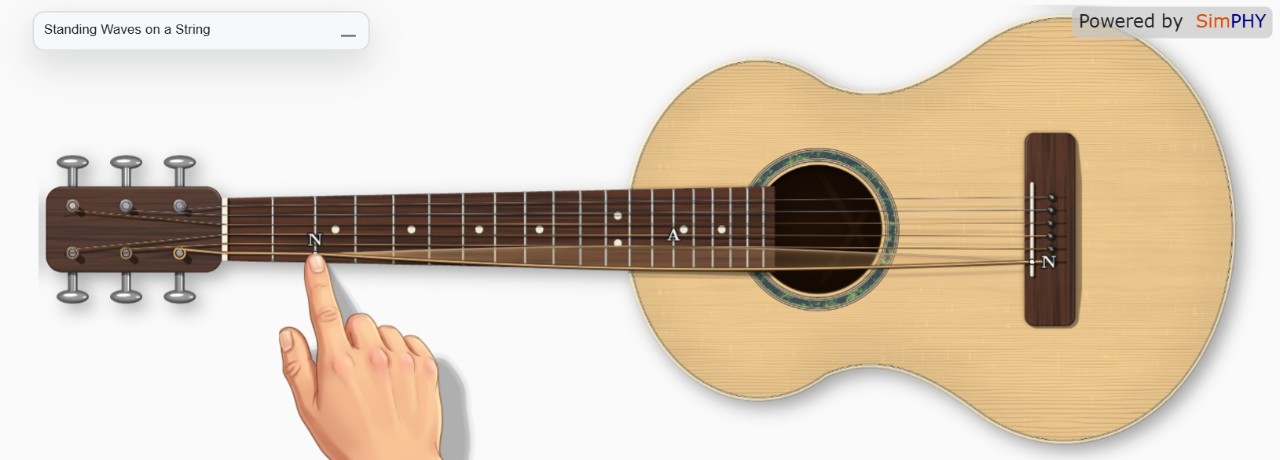
Explore standing wave patterns on a guitar string by choosing string,...
 Free
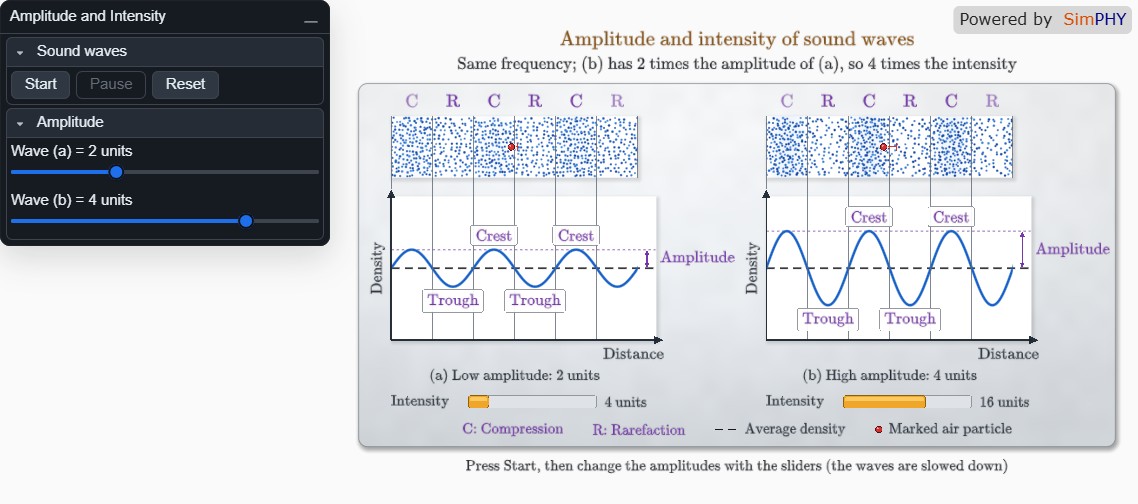
Adjust a sound wave’s amplitude to see density peaks and intensity ris...
 Free
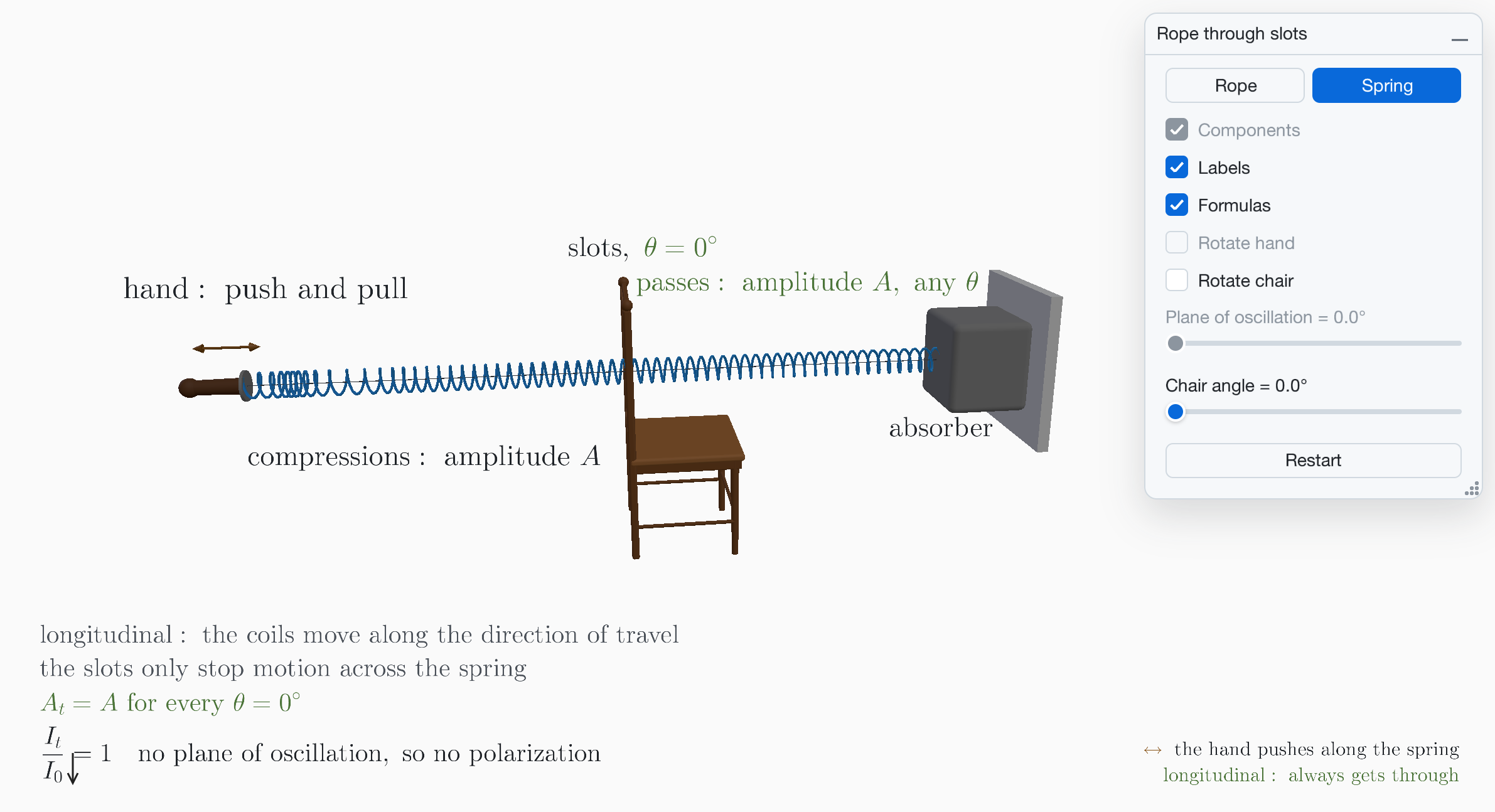
Watch a rope’s transverse wave split at slotted chair back, showing po...
 Free
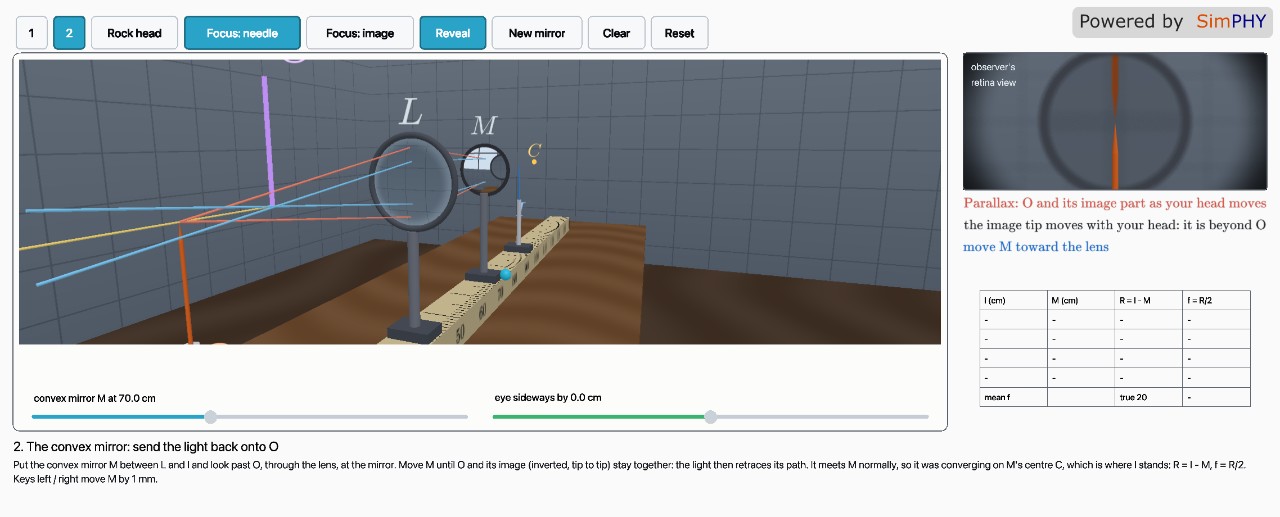
Measure a convex mirror’s focal length on an optical bench using a con...